Students Management
Keep student profiles, classes, documents, academic history, guardians, and status changes organized in one place.
Learn moreVenlearn brings admissions, academics, attendance, billing, communication, reports, and campus operations into one fast, colorful command center.
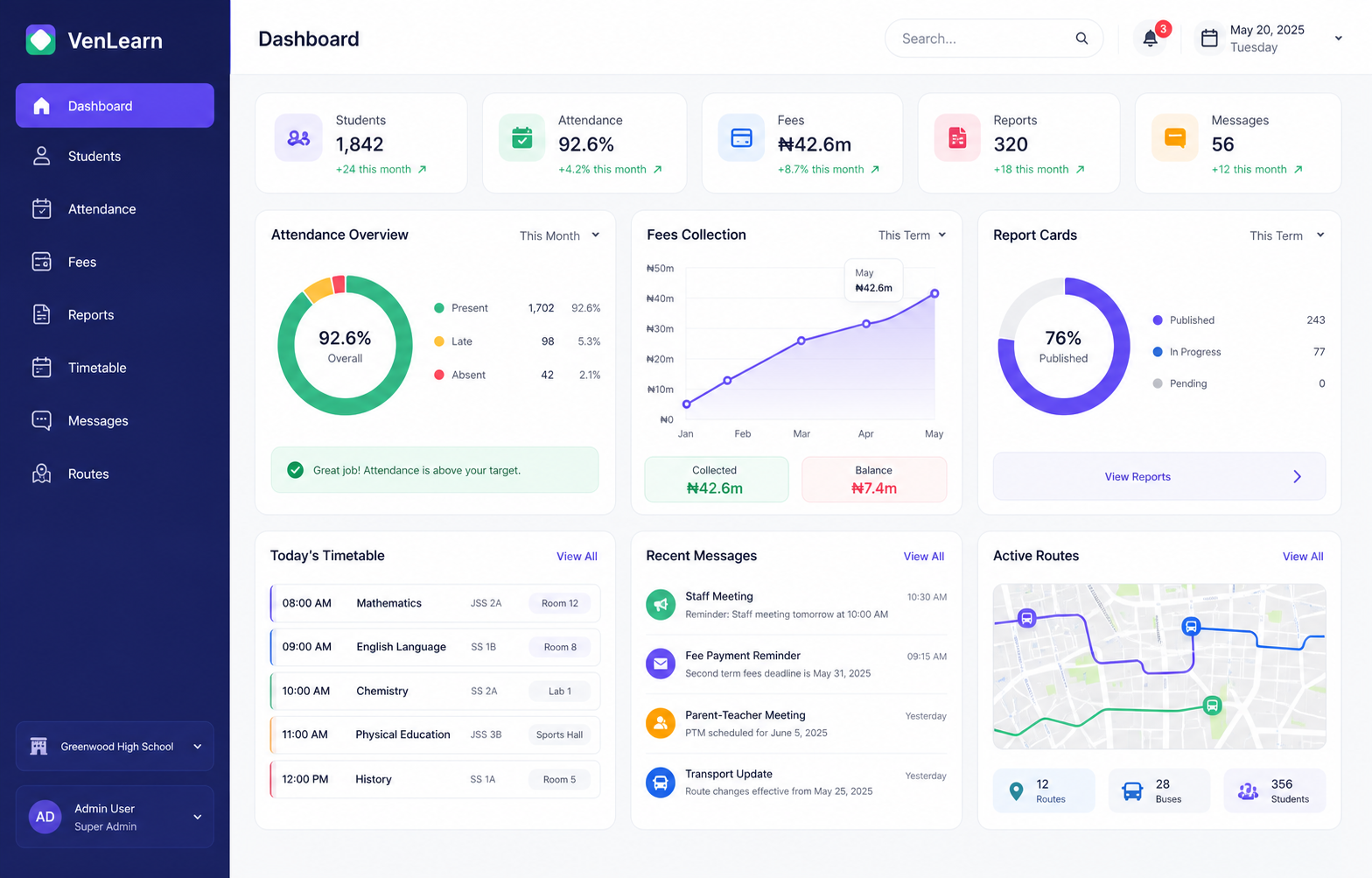
Everything in one place
Keep student profiles, classes, documents, academic history, guardians, and status changes organized in one place.
Learn moreManage teachers and administrative staff with roles, departments, assignments, contact details, and work records.
Learn moreConnect parents and guardians to each learner with accurate contacts, access permissions, and communication records.
Learn moreCreate invoices, collect payments, track balances, record payments, issue receipts, and follow up on outstanding fees.
Learn moreCompile assessments, grades, remarks, class positions, and publish polished report cards to families.
Learn moreRun computer-based tests in school or remotely with question banks, timing, grading, result summaries, MS Word imports, and online result publishing.
Learn moreShare lessons, notes, books, practice materials, and learning resources students can access anytime.
Learn moreTrack student and staff attendance by day, class, subject, event, or hostel with clear absence reports.
Learn moreRole-aware access
Venlearn keeps access focused, so admins get control, staff get speed, parents get clarity, and students stay connected.
Get super-user access to school-wide data, approvals, finance health, staff activity, alerts, and reports, while adding staff, parents, and students and deciding what each user can see.
Academic and non-academic staff can access the tools they need, from class lists, attendance, lesson plans, and score entry to timetables, resources, and operational tasks.
View their wards' data, fee balances, receipts, attendance, results, messages, events, transport updates, and school notices, while communicating with the school.
Check timetables, assignments, eLibrary materials, results, announcements, CBT activities, and learning resources.
Computer based testing
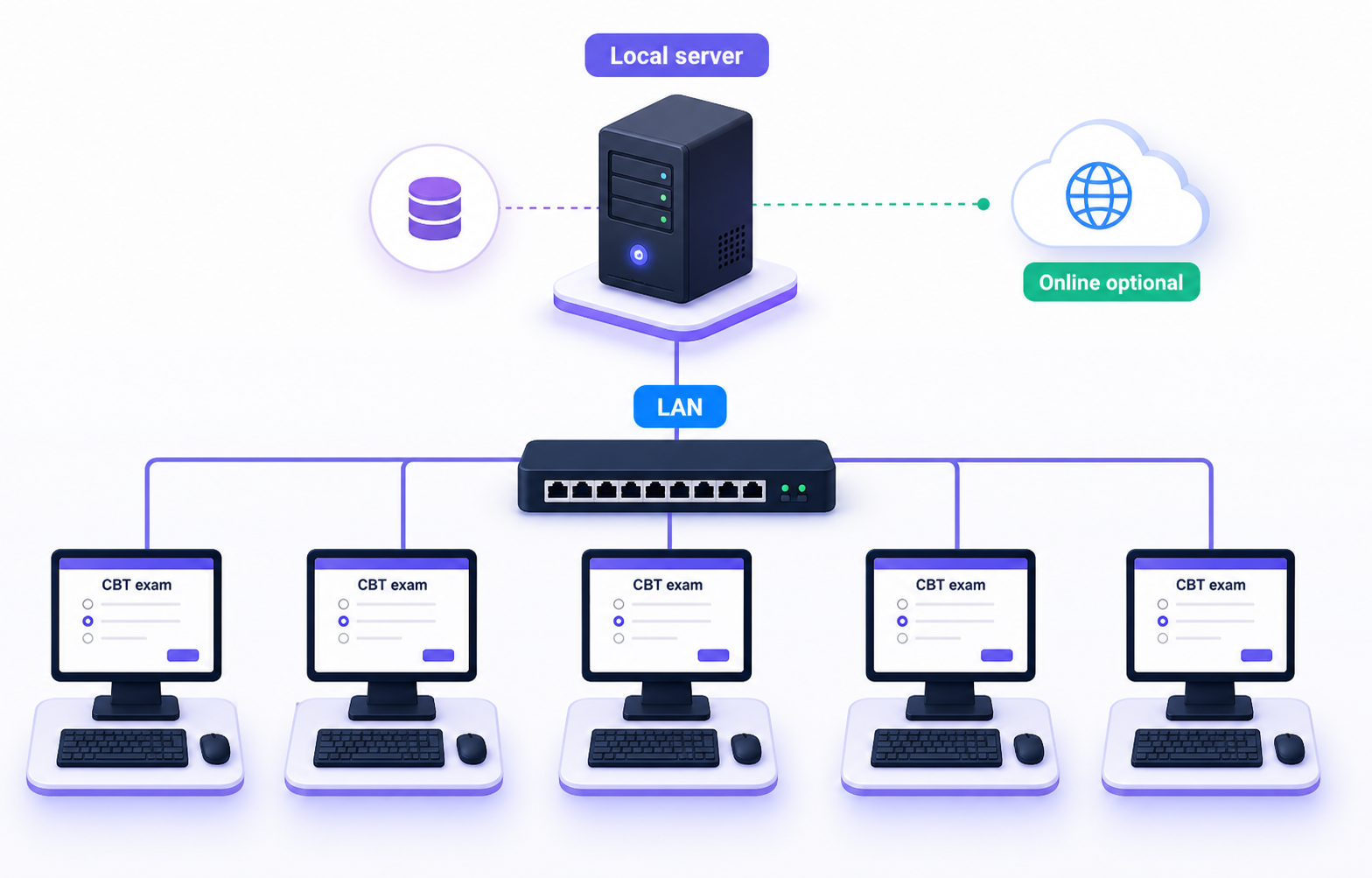
Venlearn helps schools organize computer based tests without depending on internet access, unlike many online-only tools or basic Google Forms setups.
Run exams over a local area network with a school server and connected exam computers.
Use the same offline CBT approach trusted by JAMB UTME-style testing environments.
Switch to online delivery when needed for remote learners or distributed campuses.
Automate the admin load
Venlearn automates monotonous tasks like result and report card generation, student and staff record management, fee tracking, and routine reminders. It replaces old Excel sheets, student registers, fee record books, lesson notes, and scattered files with one searchable source of truth.
Quick wins
Generate report cards in minutes after score approval
Reduce fee record confusion with invoices and balances
Find student, guardian, and staff records instantly
Mark student and staff attendance without paper registers
Keep term data organized across sessions and classes
Automation focus
Report cards
Generate polished reports in minutes after score approval
Fee collection
Organize invoices, balances, reminders, receipts, and debtor lists
Record keeping
Replace registers and spreadsheets with searchable live records
Automated reminders
Send alerts to parents, staff, or students for school fee payment reminders, event reminders, birthdays, public holidays, attendance, incidents, and other school updates without human intervention.
Payment reminders before and after due dates
Event and public holiday notices
Birthday messages and student updates
Attendance and incident notifications
Reminder center
Second term balance is due this Friday.
Inter-house sports starts at 10:00 AM.
Turn reminders on once. Venlearn handles the follow-up.
Reminders enabled
Parents, staff, and students receive the right alert automatically.
Mobile app
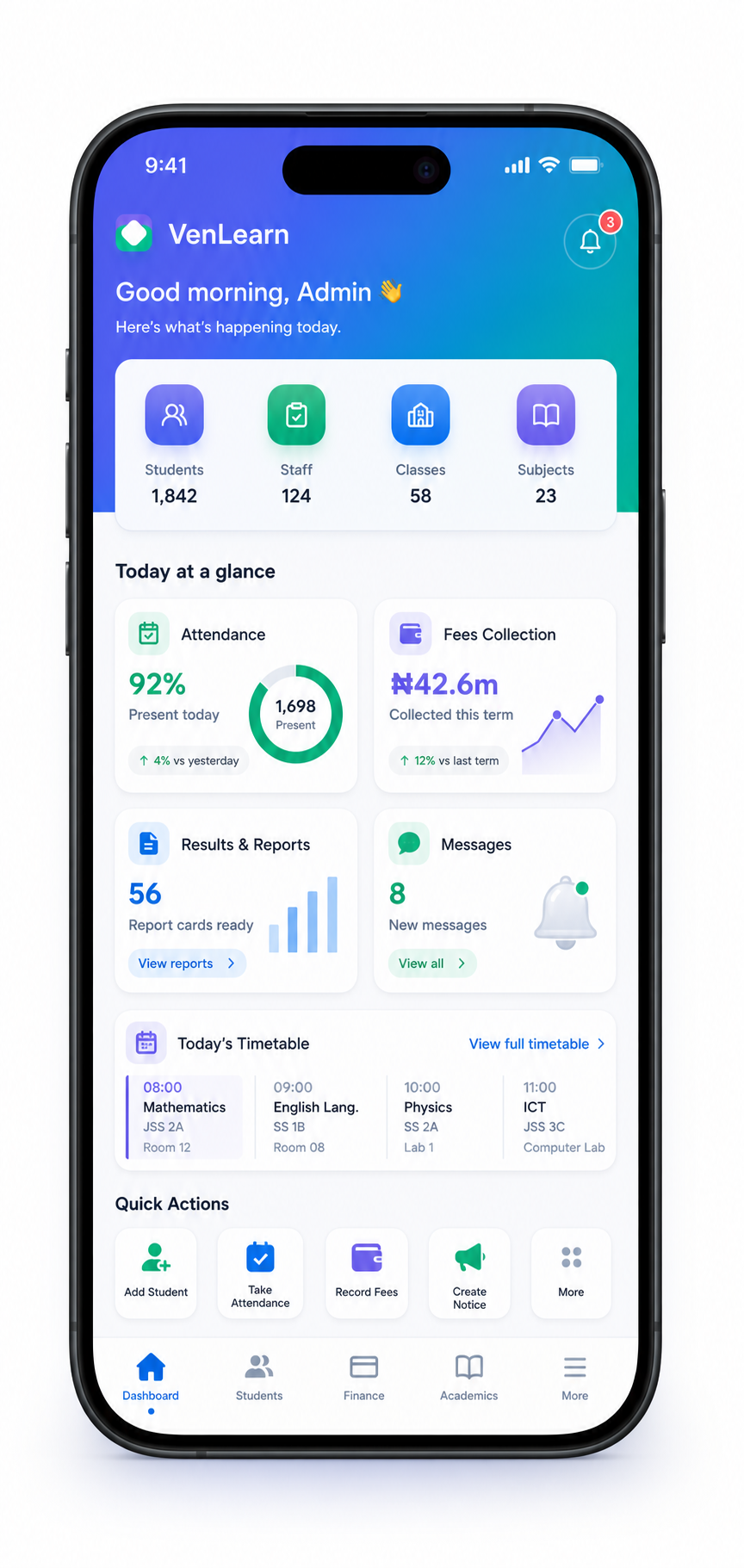
Several Venlearn features will be available from the mobile app, so parents, staff, and students can keep up with school updates wherever they are without needing to log in through the web.
Access fees, receipts, attendance, results, assignments, and messages from anywhere.
Parents, staff, and students can stay connected without needing to log in through the web.
Get school notices, event updates, reminders, and learning resources directly on mobile.
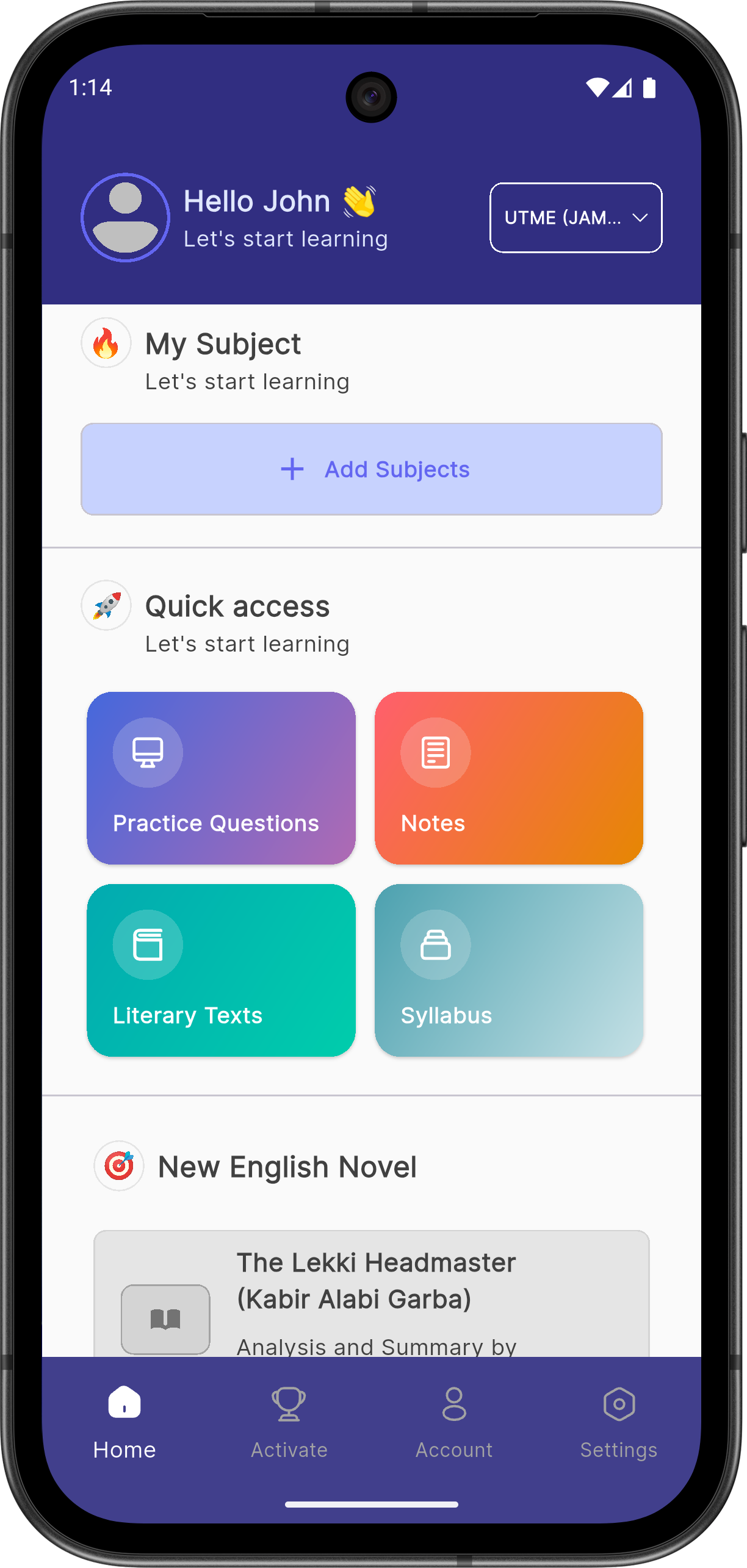
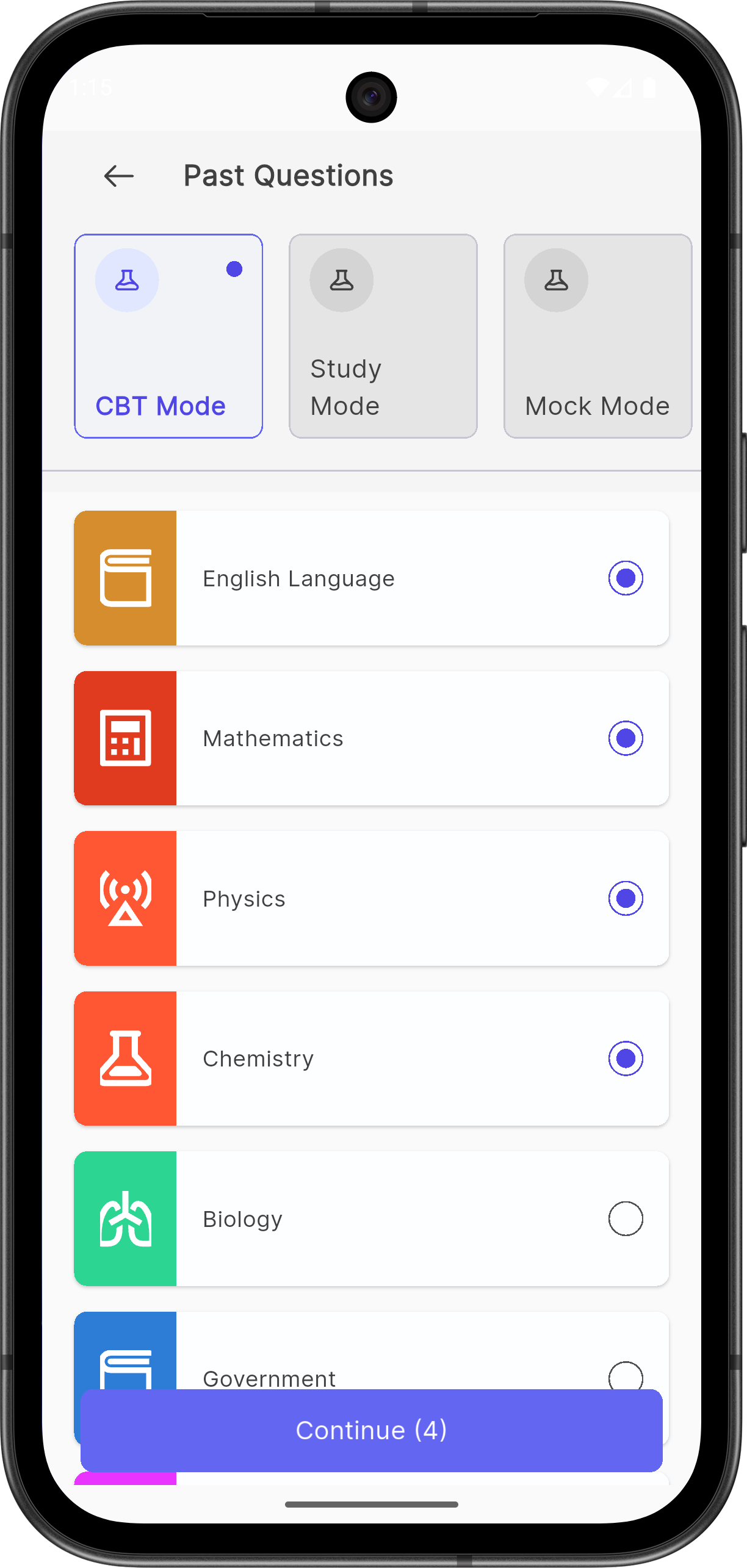
Prepmate helps students prepare for UTME and WASSCE with past questions, CBT mode, study tools, notes, syllabuses, and literary texts across Android, iOS, and desktop.
The people who made Prepmate brought the same education experience, product discipline, and care for everyday users into Venlearn.
400k+
Users
4.6
Average rating
UTME & WASSCE
Exam preparation
Android, iOS, Desktop
Major platforms
Start with admissions, attendance, fees, or academics, then expand into a full school operating system.